Device Type: Web camera
Connectivity Technology: Wired
Dimensions (W x D x H): 9.5 cm x 7.1 cm x 4.35 cm
Weight: 162 g
Type: Color
Digital Video Format: H.264
Video Modes: 720p, 1080p
Frame Rate (max): 60 frames per second
Focus Adjustment: Automatic
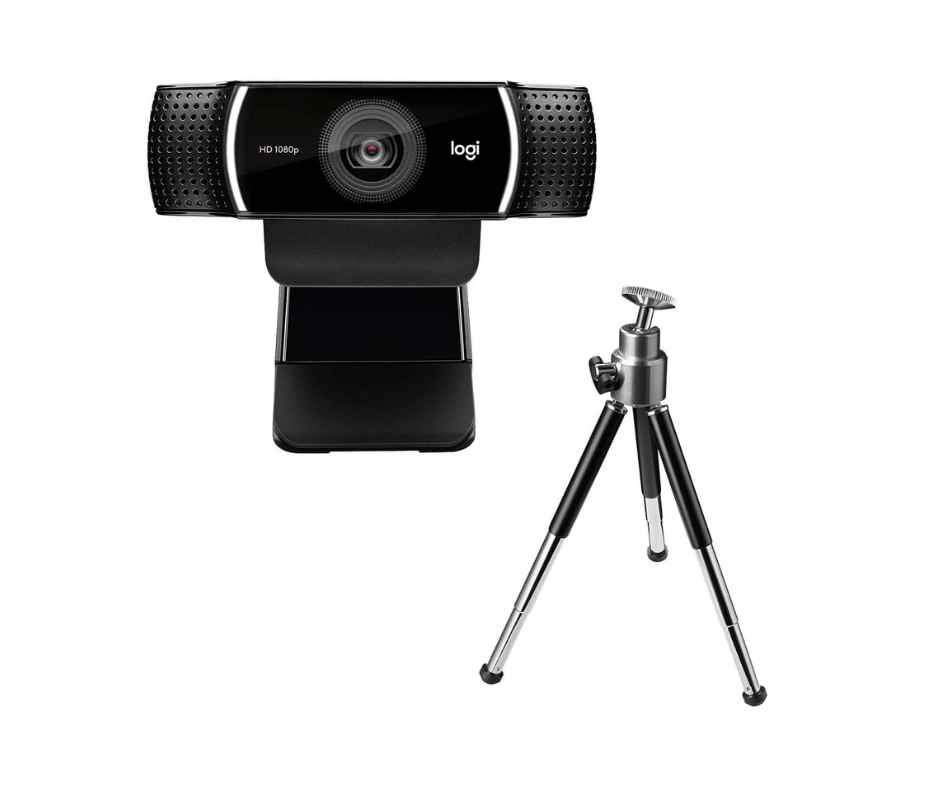
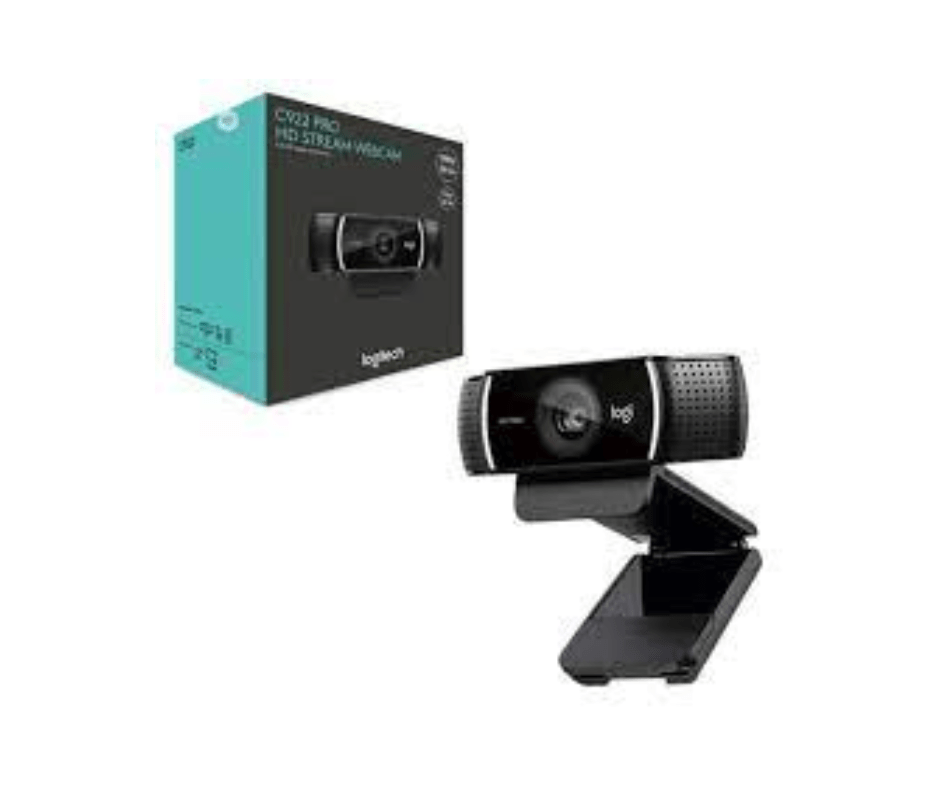
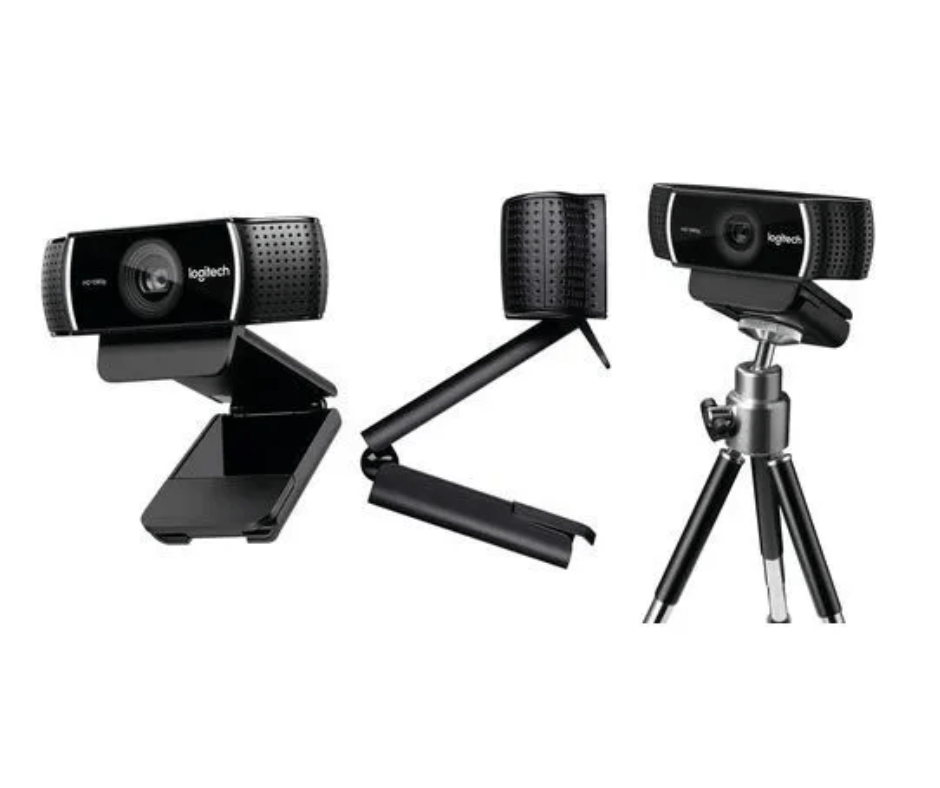
Connect with superior clarity every time you go live on channels like Twitch and YouTube. Stream anything you want in your choice of Full 1080p at 30fps or hyperfast HD 720p at 60fps. Broadcast masterfully with reliable no-drop audio, autofocus, and a 78° diagonal field of view. Includes free 3-month premium XSplit license.
FULL HIGH-DEF 1080P STREAMING
Stream and record vibrant, true-to-life video. C922 features a glass lens with autofocus and a 78° diagonal field of view. Full HD streaming captures all the details, bright, natural colors, and fluid video at 1080p/30fps—and in HD at 720p/60fps. Use Capture to zoom, pan, and edit.
HYPERFAST FRAME RATE
Serious streamers need the hyperfast frame rate of 60 fps at 720p for particularly smooth video, and that’s just what the C922 delivers. You’ll be live broadcasting with no lag or distortion.
AUTO LIGHT CORRECTION
HD autofocus and light correction work to fine-tune lighting conditions, producing razor-sharp, high-def video in any lighting, so you always look great in your stream.
DUAL-MIC STEREO SOUND
Fitted with two omni-directional microphones, the C922 Pro Webcam captures more realistic sound from multiple angles—so your voice comes through sounding natural and clear in your stream.
ALL-IN-ONE CONTENT CREATION WITH CAPTURE
Easily create, record, and customize settings with our Capture app. A suite of features lets you fully edit and customize your stream, so you can add transitions and text overlays, customize webcam settings, and more.
General Specifications
Max Resolution: 1080p/30 fps – 720p/ 60 fps
Focus type: Autofocus
Lens type: Glass
Built-in mic: Stereo
Diagonal field of view (dFoV): 78°
Tripod-ready universal mounting clip fits laptops, LCD or monitors
Contains information related to marketing campaigns of the user. These are shared with Google AdWords / Google Ads when the Google Ads and Google Analytics accounts are linked together.
90 days
__utma
ID used to identify users and sessions
2 years after last activity
__utmt
Used to monitor number of Google Analytics server requests
10 minutes
__utmb
Used to distinguish new sessions and visits. This cookie is set when the GA.js javascript library is loaded and there is no existing __utmb cookie. The cookie is updated every time data is sent to the Google Analytics server.
30 minutes after last activity
__utmc
Used only with old Urchin versions of Google Analytics and not with GA.js. Was used to distinguish between new sessions and visits at the end of a session.
End of session (browser)
__utmz
Contains information about the traffic source or campaign that directed user to the website. The cookie is set when the GA.js javascript is loaded and updated when data is sent to the Google Anaytics server
6 months after last activity
__utmv
Contains custom information set by the web developer via the _setCustomVar method in Google Analytics. This cookie is updated every time new data is sent to the Google Analytics server.
2 years after last activity
__utmx
Used to determine whether a user is included in an A / B or Multivariate test.
18 months
_ga
ID used to identify users
2 years
_gali
Used by Google Analytics to determine which links on a page are being clicked
30 seconds
_ga_
ID used to identify users
2 years
_gid
ID used to identify users for 24 hours after last activity
24 hours
_gat
Used to monitor number of Google Analytics server requests when using Google Tag Manager
1 minute
SourceBuster is used by WooCommerce for order attribution based on user source.
Name
Description
Duration
sbjs_session
The number of page views in this session and the current page path
30 minutes
sbjs_udata
Information about the visitor’s user agent, such as IP, the browser, and the device type
session
sbjs_first
Traffic origin information for the visitor’s first visit to your store (only applicable if the visitor returns before the session expires)
session
sbjs_current
Traffic origin information for the visitor’s current visit to your store
session
sbjs_first_add
Timestamp, referring URL, and entry page for your visitor’s first visit to your store (only applicable if the visitor returns before the session expires)
session
sbjs_current_add
Timestamp, referring URL, and entry page for your visitor’s current visit to your store
session
sbjs_migrations
Technical data to help with migrations between different versions of the tracking feature














Reviews
Clear filtersThere are no reviews yet.