




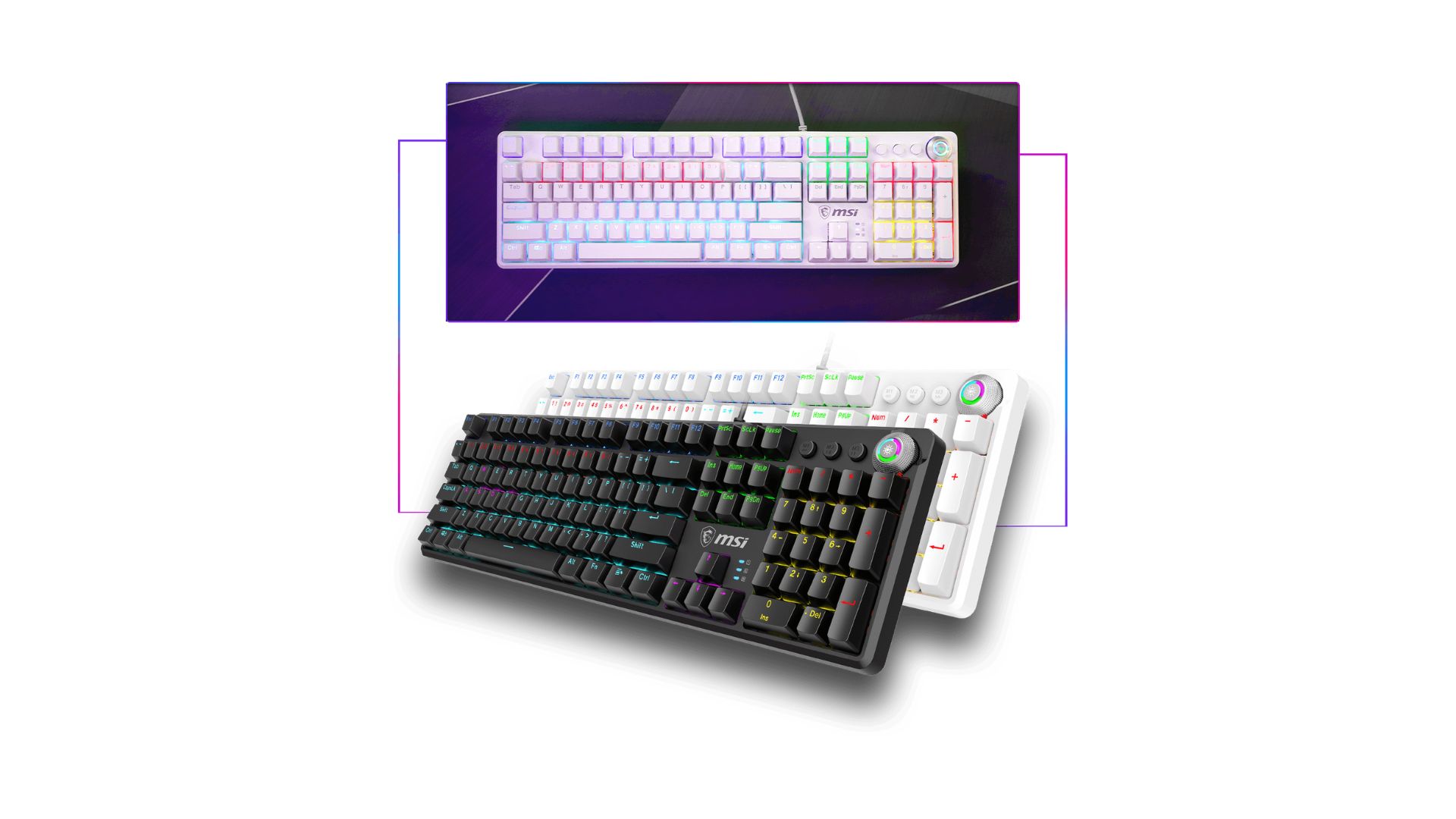
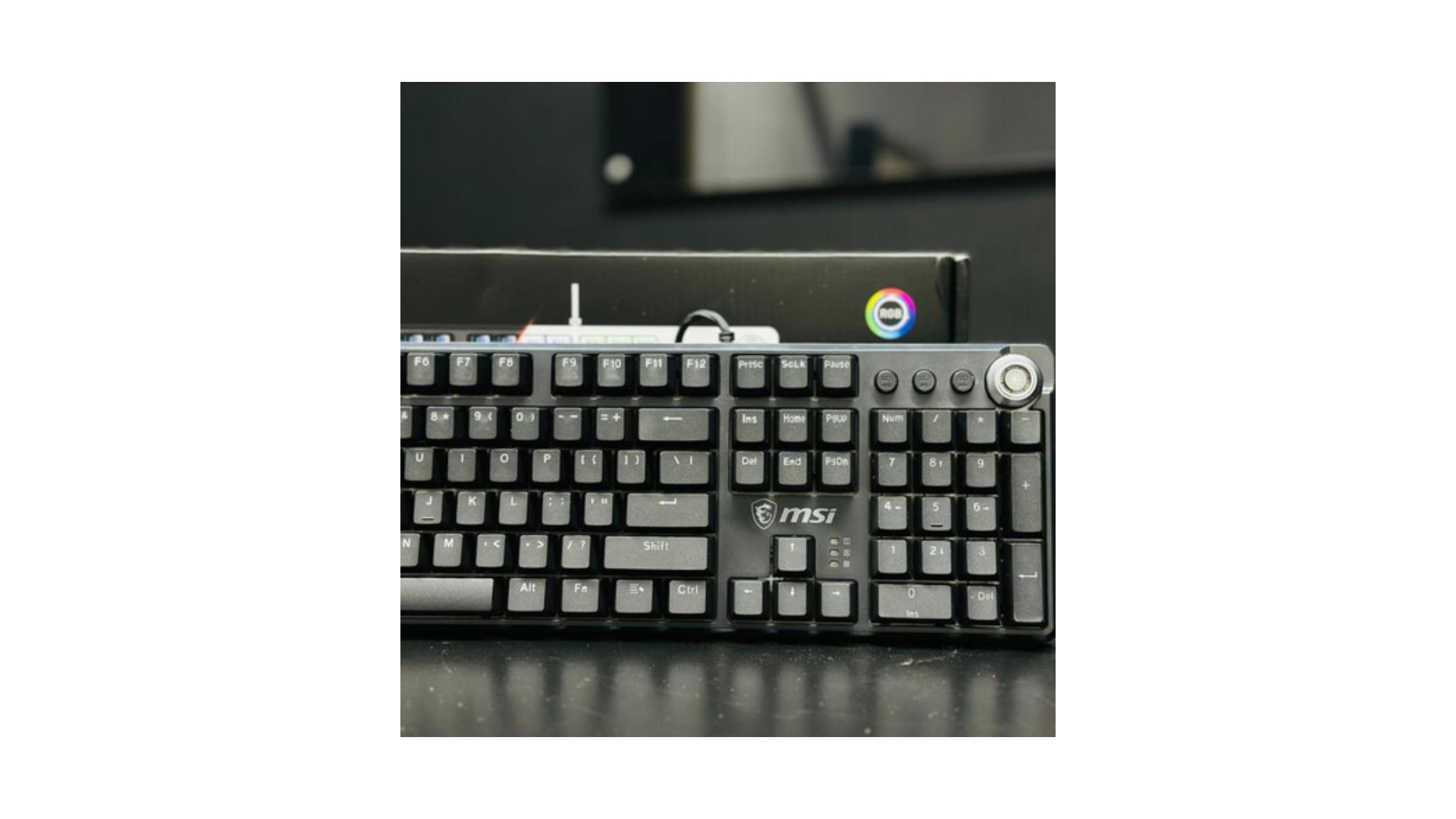
MSI Vigor GK50Z V2 Gaming Keyboard
Product Description
- Low profile mechanical switches provide speed, accuracy, and endurance
- Slim and lightweight design
- The ergonomic high-low keycap design reduces strain and pain of hands and wrists
- Brushed metal top plate and octagonal-shaped keycaps
- Stunning per-key RGB lighting and various effects
- Steady Gaming Base provides incredible feedback and anti-slip performance
- Fine-tune detail settings with Dragon Center
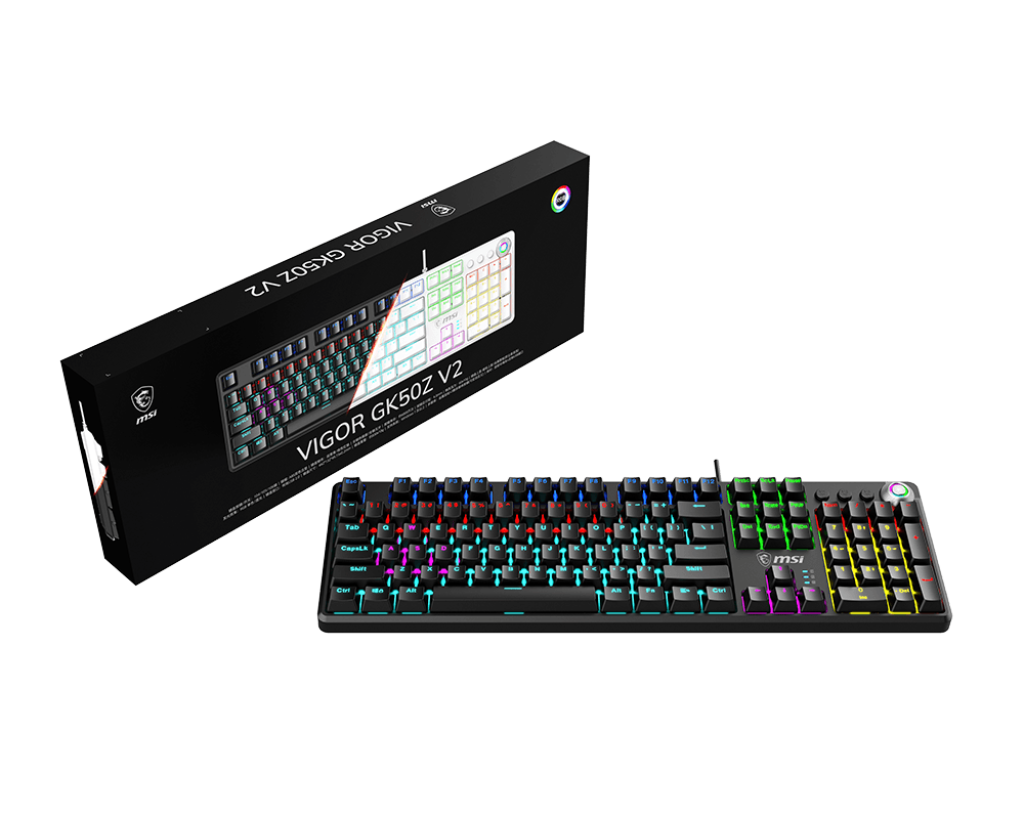
Detachable magnetic top cover:
one keyboard, two experiences
- Install and disassemble as needed
- Diverse styles
- Easy to clean
Double-shot injection molded keycaps
ABS magnetic top cover
mechanical shaft
Metal knob
Metal brushed panel
PCB circuit board
ABS bottom shell
Sandwich structure design
The internal structure is clear and neat.
Replace and use immediately, no waiting required
Full hot-swappable keys. Includes 3 spare switches and a keycap puller.

*The spare shaft comes with a protective sleeve, which must be removed before installation.
Custom-tuned shafts
Linear red for a smooth gaming experience, quiet and silky-smooth tactile feedback
; tactile blue for a classic tone and crisp, tactile button feel.

Colorful lights are never absent
Adjust with a knob to easily switch between 20 lighting effects.

MSI Vigor GK50Z v2
Multimedia buttons + knob
Rejecting complicated button combinations, focusing solely on ease of use.

Switch between dual modes at will
- Knob – Dual Mode Switch
- Press and hold the knob to switch modes:
Game Mode (knob indicator light on)
Office Mode (knob indicator light off)
Related Products
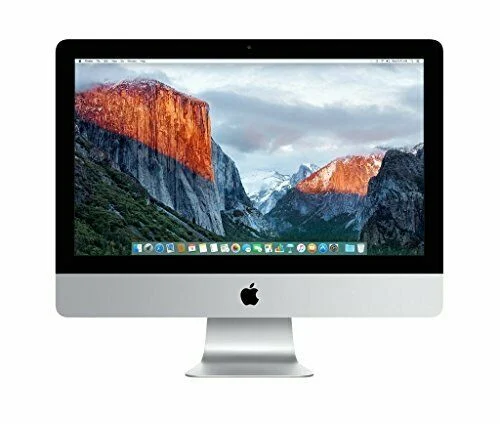
-27% Hot
Apple iMac A1418 5th Gen Intel Core i5 8GB RAM 1TB HDD 21.5″ Glossy LED Backlit IPS Display
In stock
Original price was: KSh 75,000.0.KSh 55,000.0Current price is: KSh 55,000.0.
Buy via whatsapp
SKU:
00222
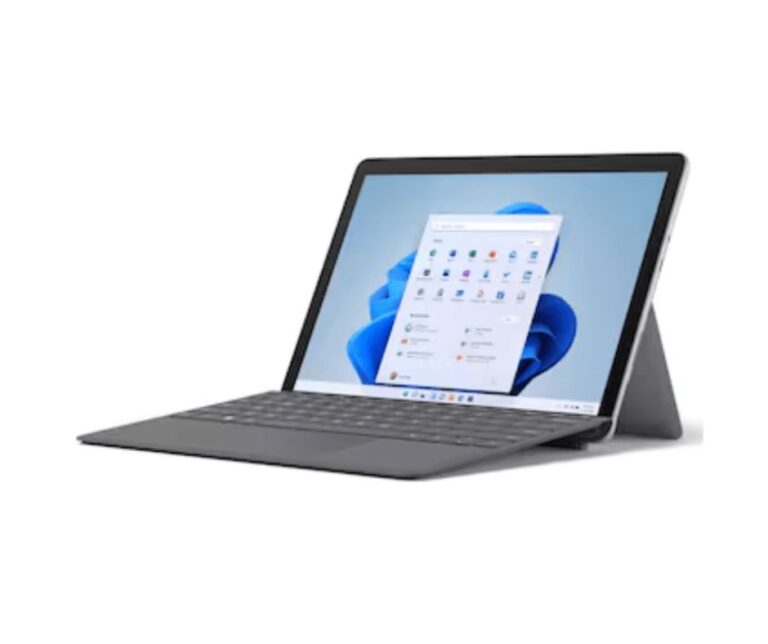
Microsoft Surface Pro 6 Intel Core i7 8th Gen 16GB RAM 256GB
In stock
KSh 49,000.0
Buy via whatsapp
SKU:
5297-RDMP-2025

-7%
SAMSUNG 32 inch Curved 4K Ultra HD LED Backlit VA Panel 1500R
In stock
Original price was: KSh 68,000.0.KSh 63,000.0Current price is: KSh 63,000.0.
Buy via whatsapp
SKU:
2024-NTVN-033

-13%
Samsung 24 inch CF390 Curved Monitor
In stock
Original price was: KSh 37,999.0.KSh 33,000.0Current price is: KSh 33,000.0.
Buy via whatsapp
SKU:
5209

Reviews
Clear filtersThere are no reviews yet.